

The constant advancement of technology has made our lives more convenient and efficient. One example of this is the growing use of smartwatches, which are wearable devices designed to provide a range of features, from tracking physical activity to message and call notifications. To make the most of these features, it is essential to connect your smartwatch to your cell phone. In this article, you will learn how to do this quickly and easily.
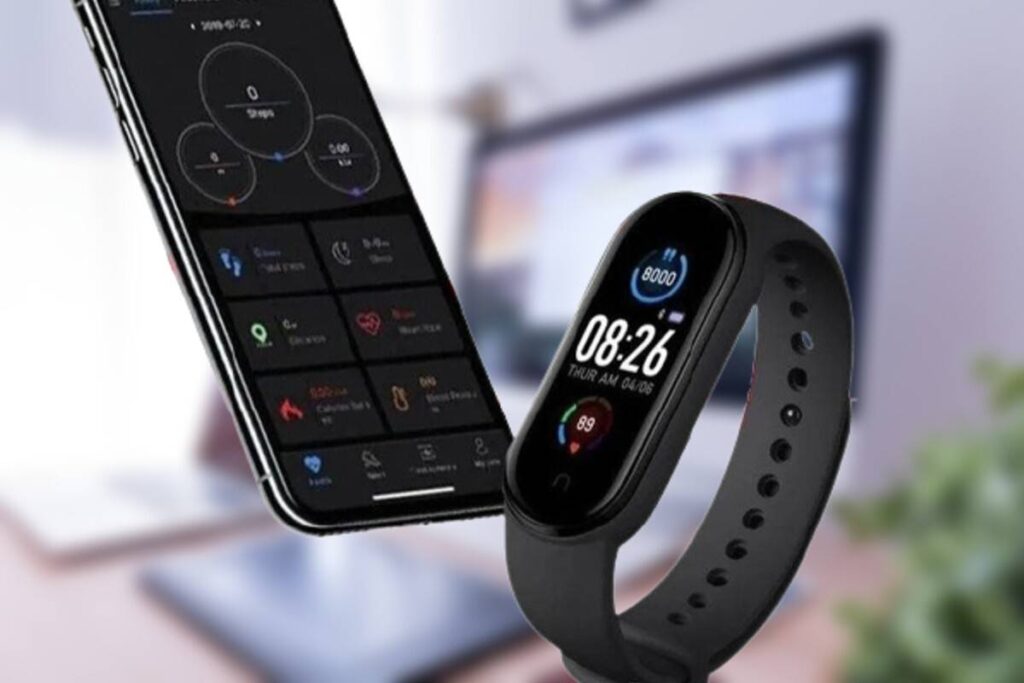
Step 1: Make sure your smartwatch is compatible with your phone
Before you begin the connection process, make sure your smartwatch is compatible with your phone’s operating system. Generally, most smartwatches are compatible with both Android and iOS devices, but it’s important to check the specifications of your specific model to be sure.
Step 2: Enable Bluetooth connectivity on both devices
To connect your smartwatch to your phone, you will need to activate Bluetooth on both devices. Follow the steps below to do so:
On your mobile:
- Access your phone's settings.
- Look for the “Bluetooth” option and activate it.
- Make your phone's Bluetooth visible to other devices.
On your smartwatch:
- Access your smartwatch's settings (usually via a gear icon).
- Find the “Bluetooth” or “Connection” option and activate it.
- Search for available Bluetooth devices.
Step 3: Pair the devices
Now that Bluetooth is turned on on both devices, it's time to pair them. Follow these steps:
On your mobile:
- On the Bluetooth settings screen, your phone will start searching for nearby devices.
- When you find your smartwatch in the list of available devices, tap the name of your smartwatch to start the pairing process.
- Confirm the pairing request on your smartwatch if necessary.
On your smartwatch:
- When you receive the pairing request, confirm it.
- Wait for the devices to connect and you will see a notification that the connection was successful.
Step 4: Configure permissions and notifications
Once you’ve successfully paired your smartwatch to your phone, it’s important to set up permissions and notifications according to your preferences. This will allow you to receive notifications for calls, messages, emails, and other apps directly on your smartwatch.
On your mobile:
- Access Bluetooth settings.
- Tap the name of your smartwatch in the list of paired devices.
- Enable permissions for notifications and other features you want.
On your smartwatch:
- Access your smartwatch settings.
- Go to the notifications or connectivity section.
- Set up notifications for the apps you want.
Step 5: Test the connection
To make sure the connection between your smartwatch and your phone is working properly, do a simple test. Send a message or make a call to your phone and check if your smartwatch displays the corresponding notification.
With the connection established and properly configured, you’re ready to get the most out of your smartwatch. Keep in mind that the specific steps may vary depending on the make and model of your device, so it’s always a good idea to consult the user manual that came with your smartwatch for detailed guidance.
Connecting your smartwatch to your phone is a relatively simple process that can enrich your tech experience and make your life more convenient. With notifications on your wrist and quick access to important information, you’ll be more connected and informed than ever before. So follow these steps and get the most out of your connected smartwatch and phone.